
OKTA SSO DESK BOOKING
Okta SSO for Desk Booking
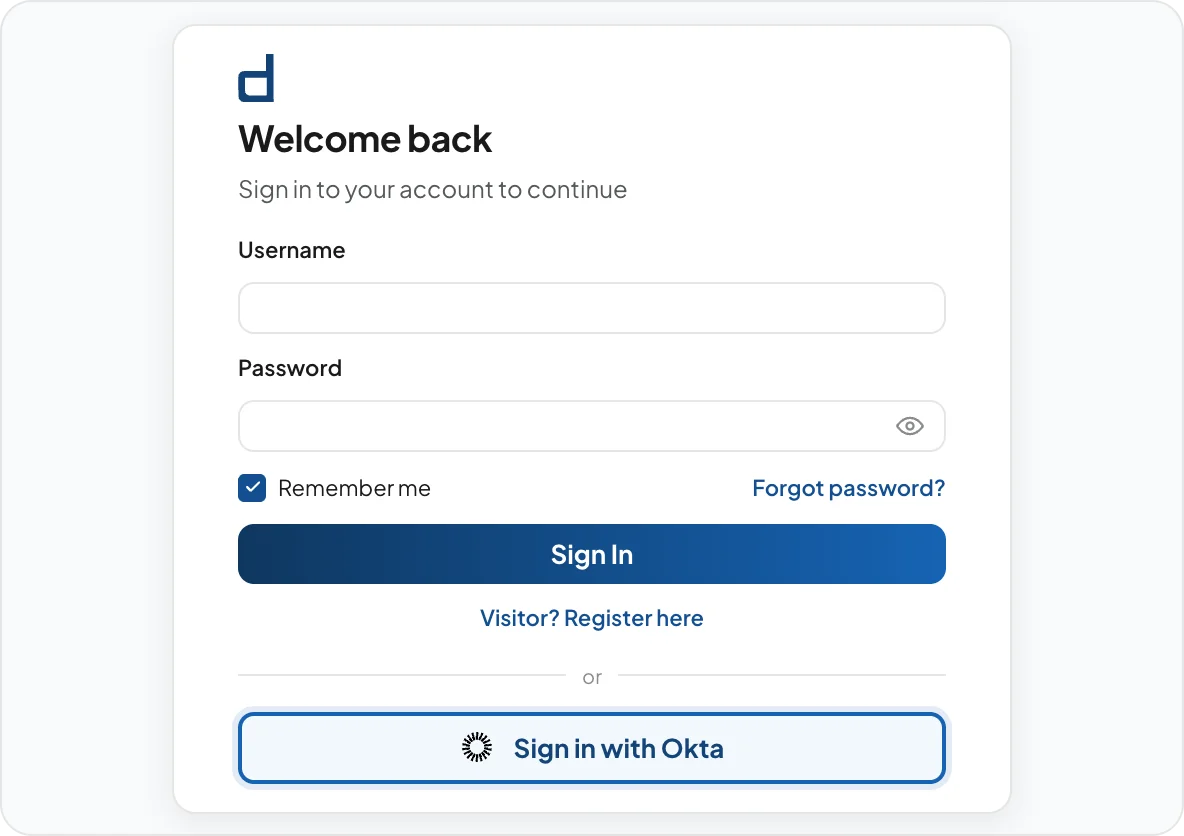
DeskFlex lets employees sign in using existing Okta credentials, helping IT teams keep authentication in one place without creating more accounts to manage.
Your identity platform should work everywhere
Employees shouldn’t need separate credentials to access workplace scheduling tools.
When workplace tools aren’t connected to Okta, IT ends up managing more accounts, onboarding takes longer, and employees have more passwords to remember.
Connect Okta authentication to DeskFlex
Connect
Create a DeskFlex application in Okta Admin Console and generate a Client ID, Client Secret and Domain URL.
Configure
Enter the credentials in DeskFlex Settings, then go to Login &SSO and enable Okta authentication.
Use
Employees can sign in using Okta credentials, and first-time users are automatically provisioned in DeskFlex.
Keep workplace access under one roof
One login. No extra passwords.
Allow employees to access DeskFlex using existing Okta credentials while maintaining a consistent authentication across workplace applications.
Spend less time managing accounts
Automatically provision employee accounts during first-time login and reduce manual user administration.
Keep authentication policies consistent
Keep workplace software aligned with the same authentication standards and access controls used across the rest of your organization.
Built for organizations managing access at scale
IT managers & directors
Centralize office authentication and reduce the administrative burden of managing separate your team application credentials.
Facilities managers
Extend Okta authentication to DeskFlex without introducing another identity system for employees to manage.
Operations managers
Maintain consistent authentication policies while simplifying access to workplace software across teams and locations.
IT managers & directors
Centralize office authentication and reduce the administrative burden of managing separate your team application credentials.
Facilities managers
Extend Okta authentication to DeskFlex without introducing another identity system for employees to manage.
Operations managers
Maintain consistent authentication policies while simplifying access to workplace software across teams and locations.
Microsoft Entra ID integration
Allow employees to sign in using Microsoft work credentials while automatically provisioning new users.
Google Workspace integration
Allow employees to access DeskFlex using existing Google Workspace credentials.
See how DeskFlex works with Okta
Simplify employee sign-in, centralize authentication, and give employees a seamless sign-in experience using the identity platform they already know.